In this post we will combine audio expression and mirror painting in Corel Painter.
It’s pretty simple.
First you set up audio expressions as shown in the last blog post
Then just click the “mirror painting” button in the corner before you get to painting with the brush tool.
like this:
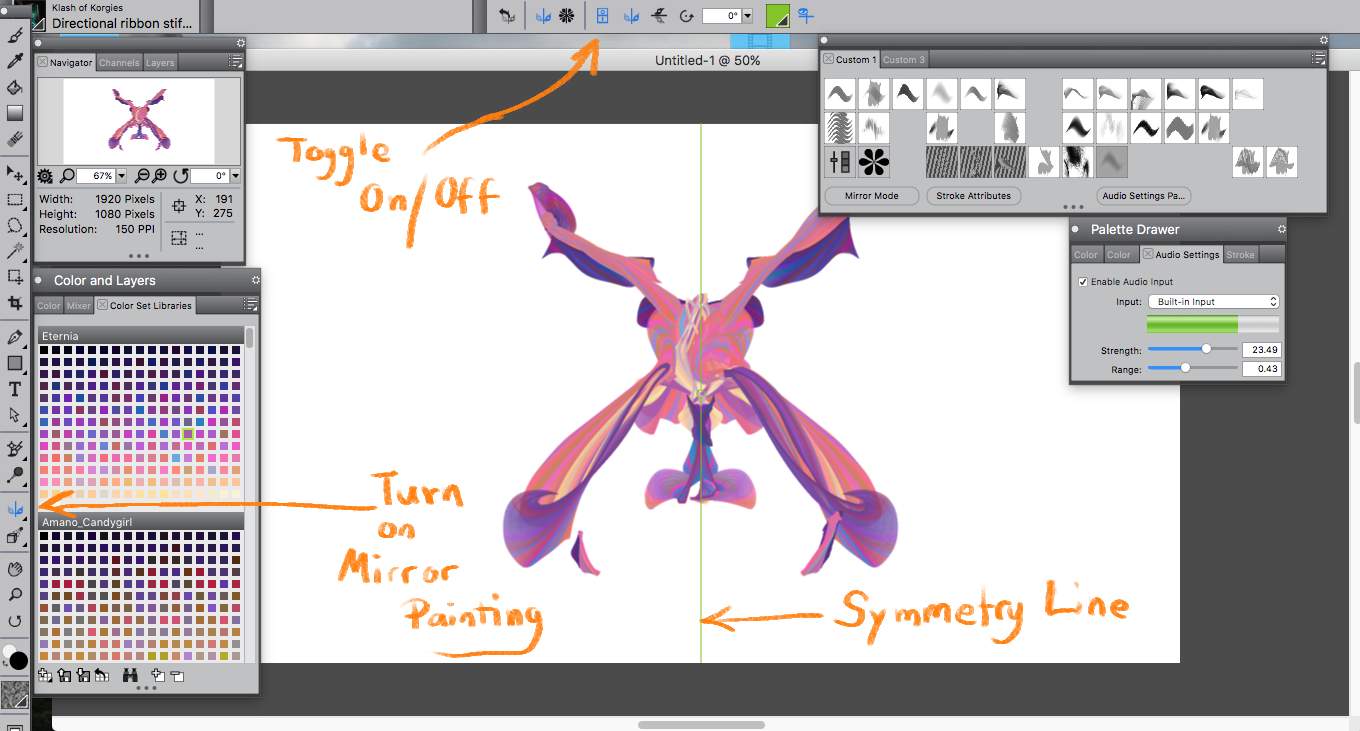
Cross over the symmetry line while you paint to automatically create interesting and beautiful shapes.
Play around and let the brush do some of the work for you.
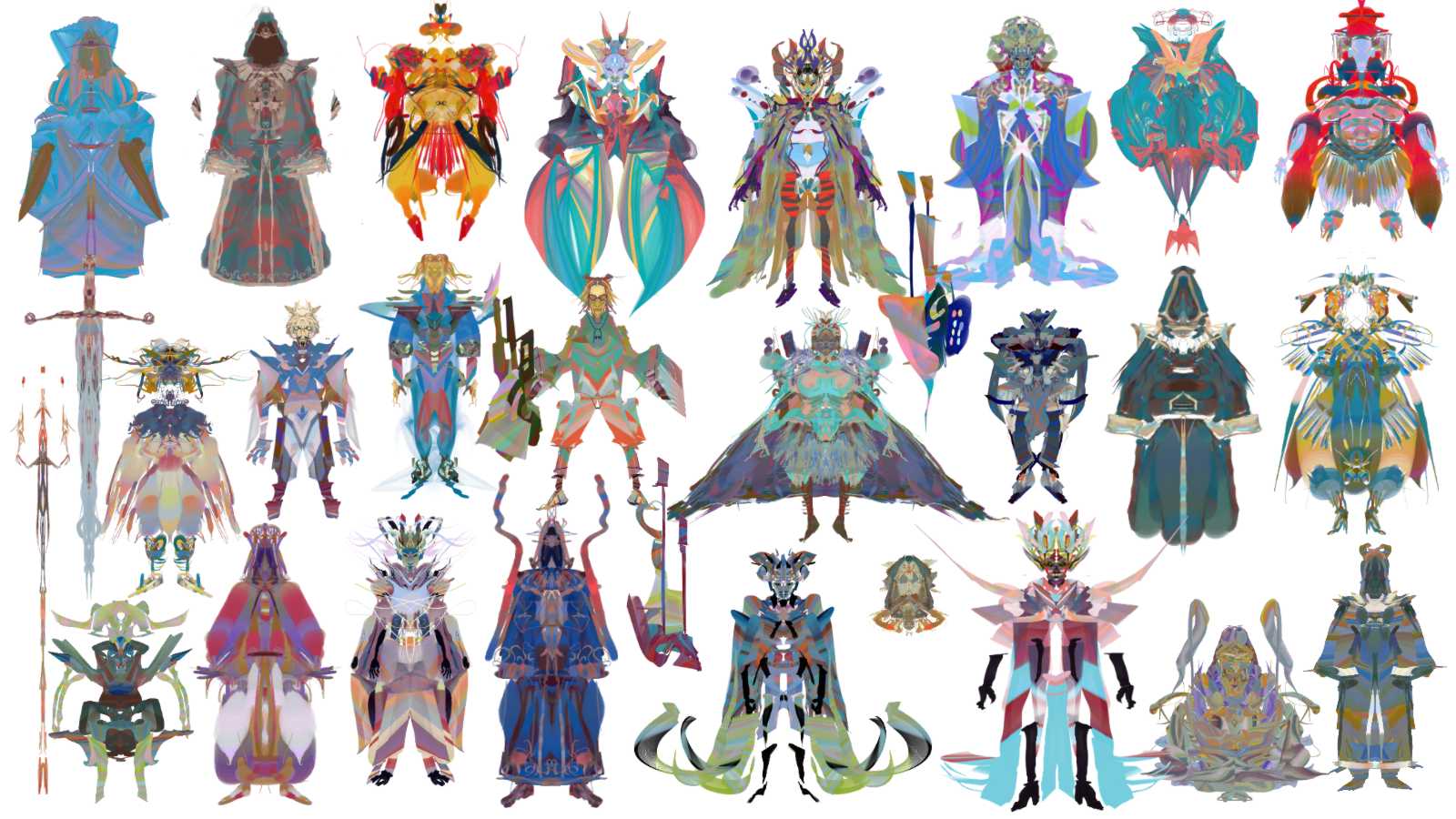
I used this technique in the last 2 Artstation character design challenges and I was pretty happy with the results. It enables you to create designs very quickly without sapping all your creative energy.
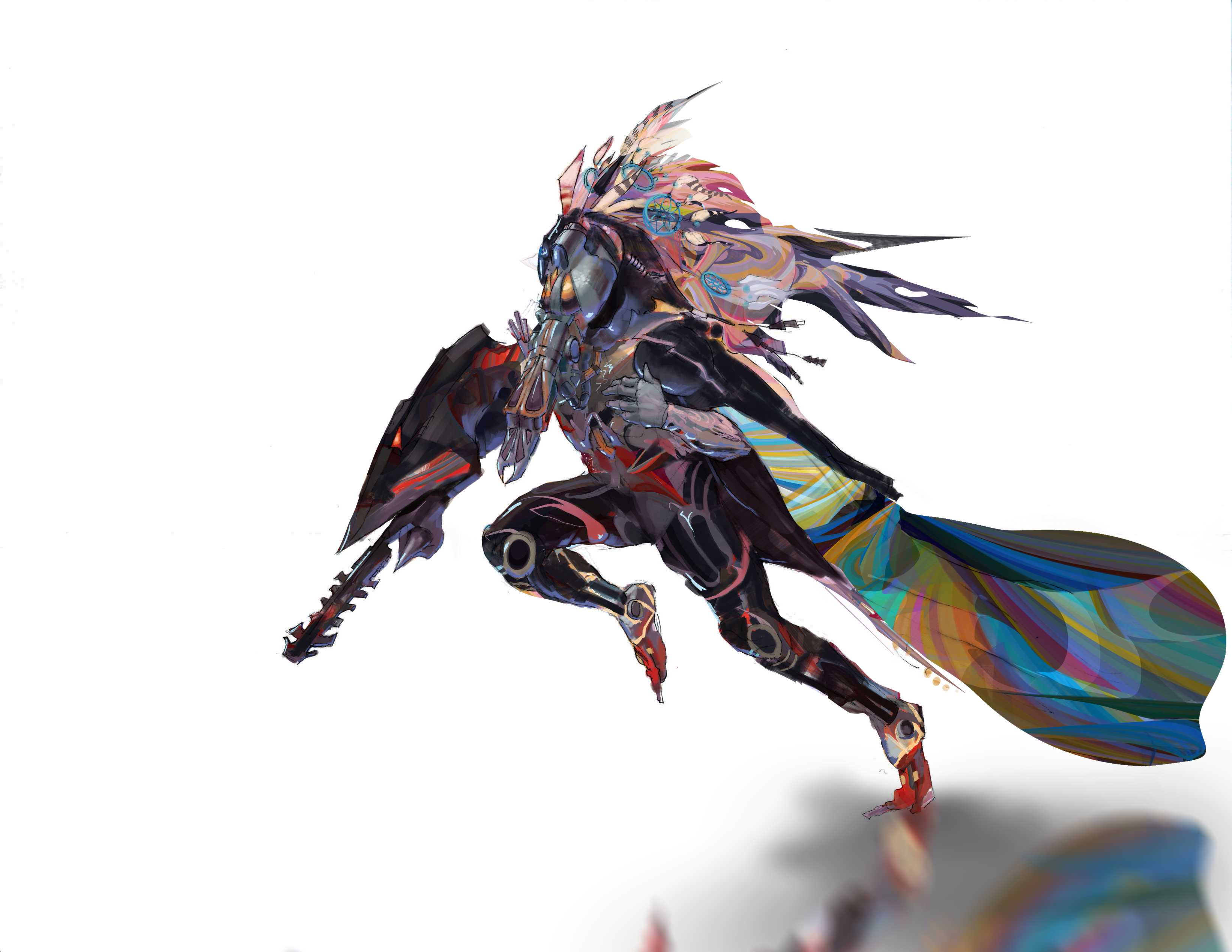
I came up with one of my favorite characters this way:
The Space Musician!
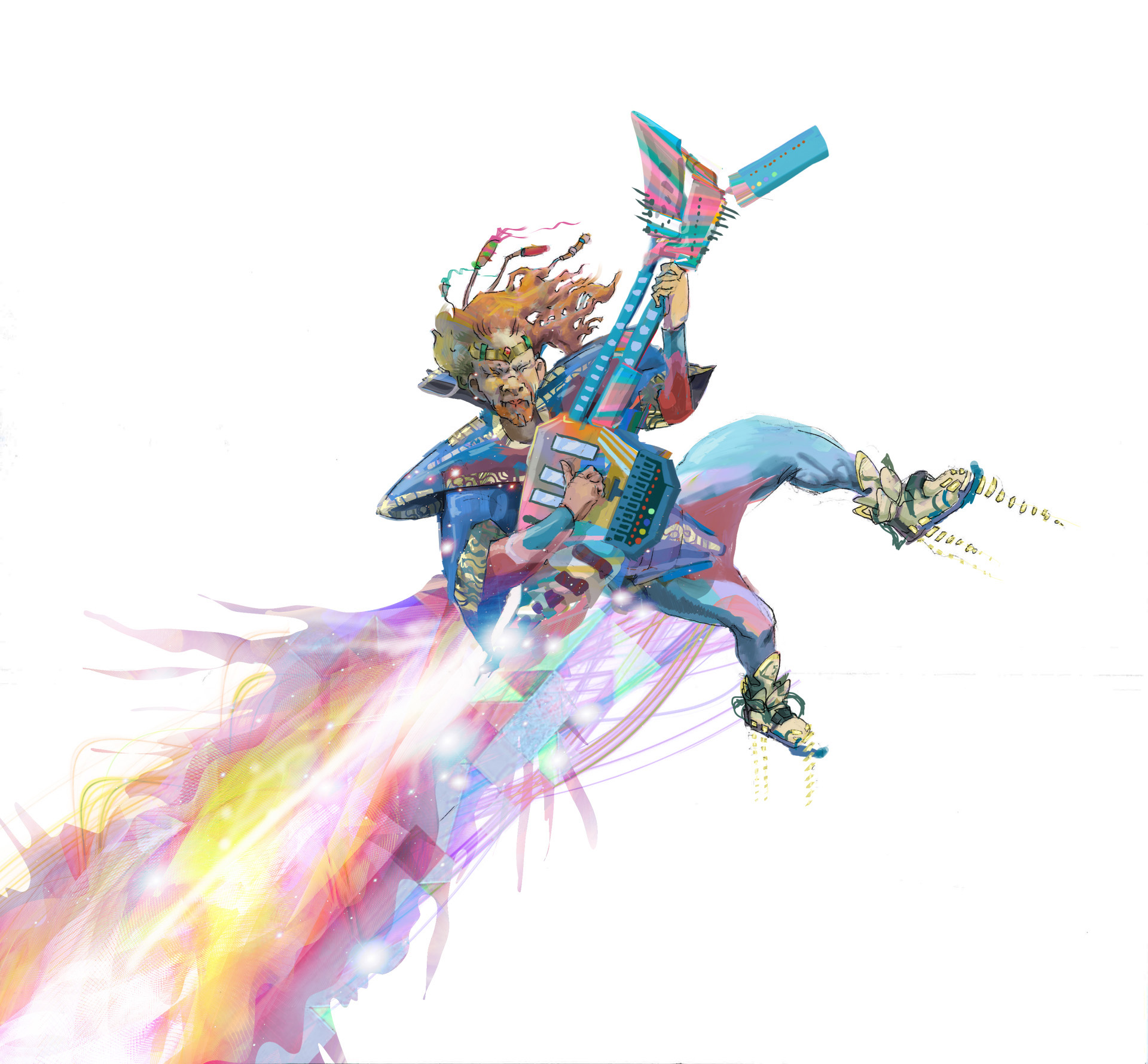
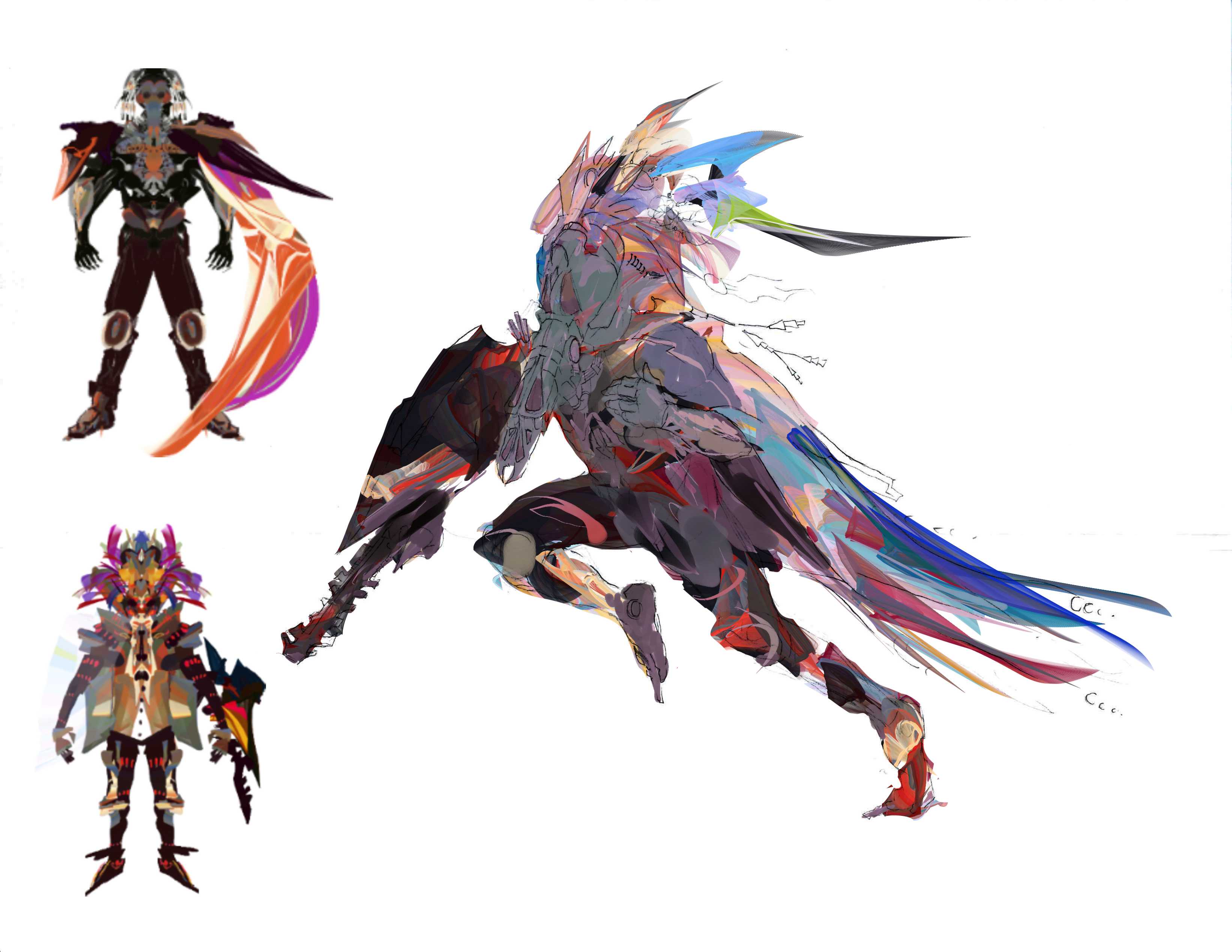
I had a vague idea of this character in my head, so I started scribbling with symmetry on. I made multiple sketches but of course the first one was the one I liked best.
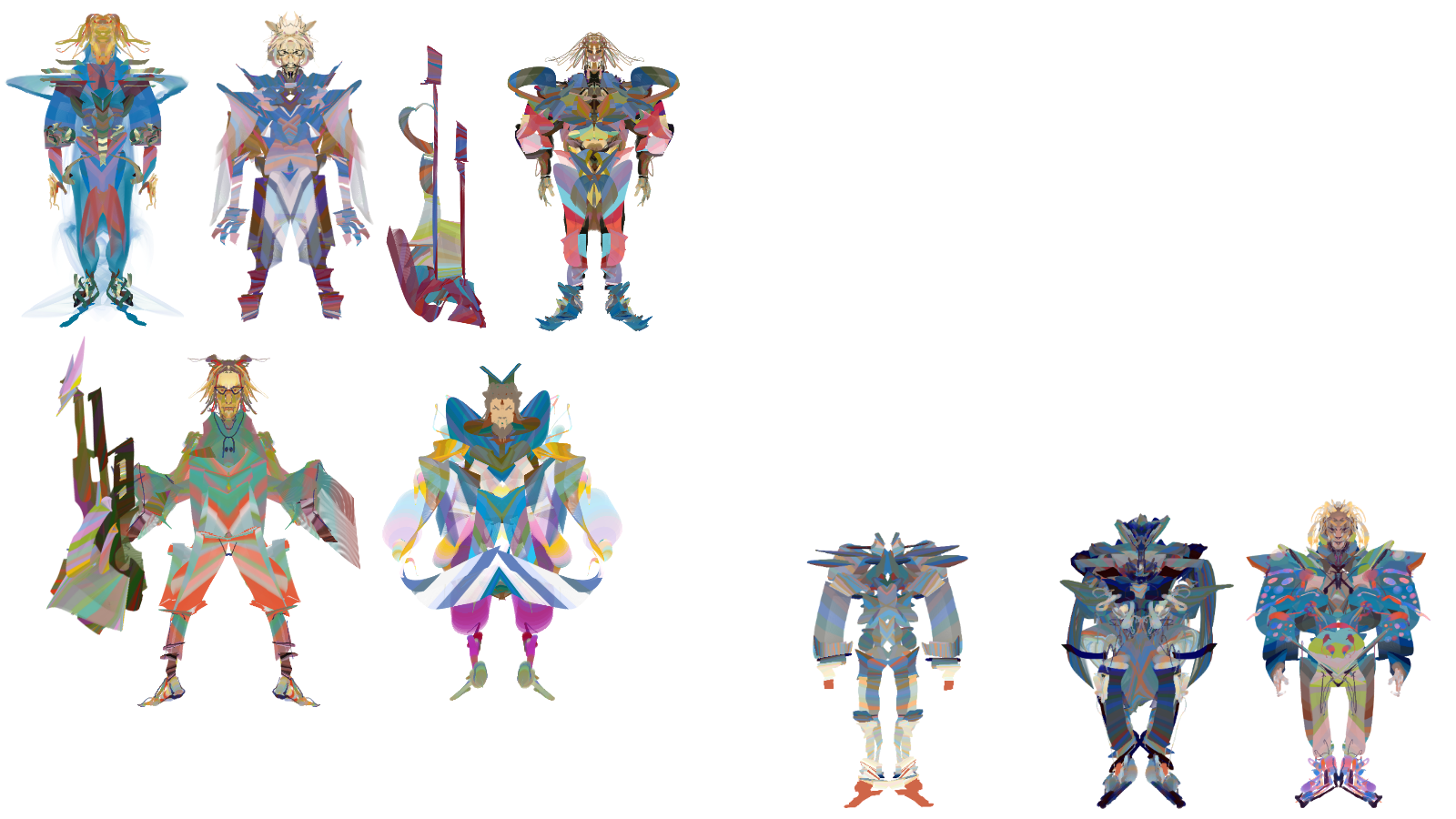
I used the sketch as a reference to base a line drawing and my colors off of.
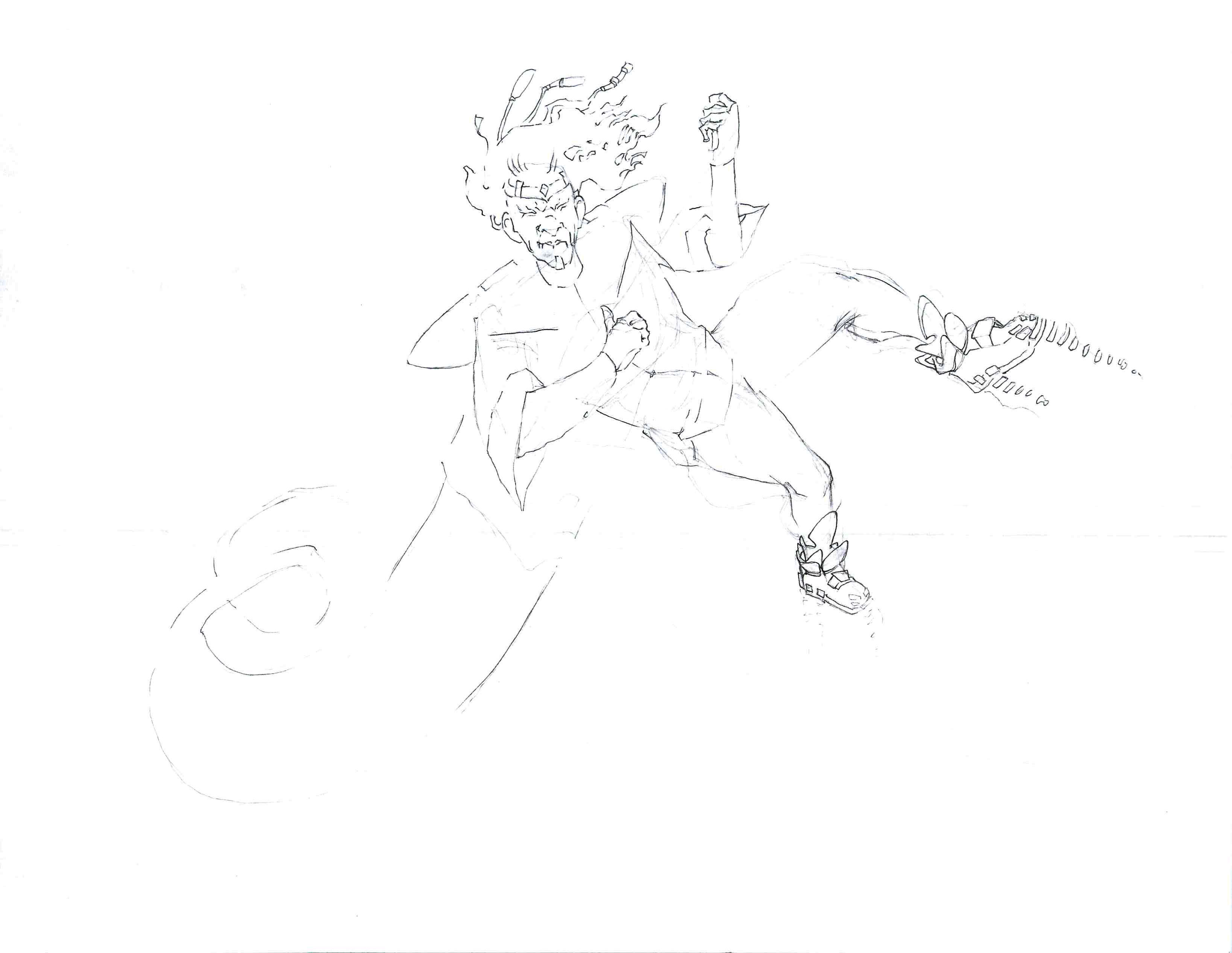
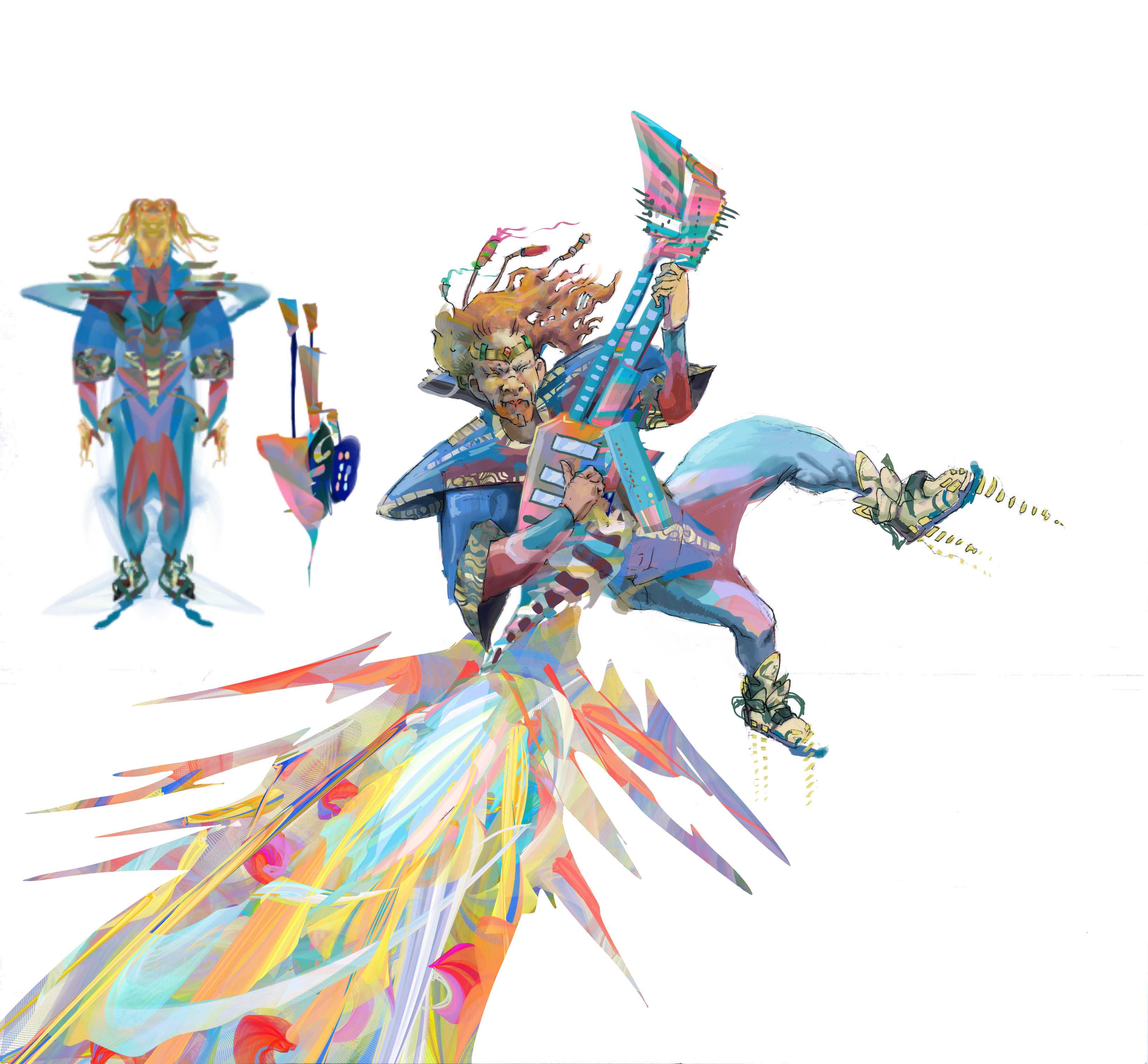
After that, it was just a lot of time rendering and detailing.
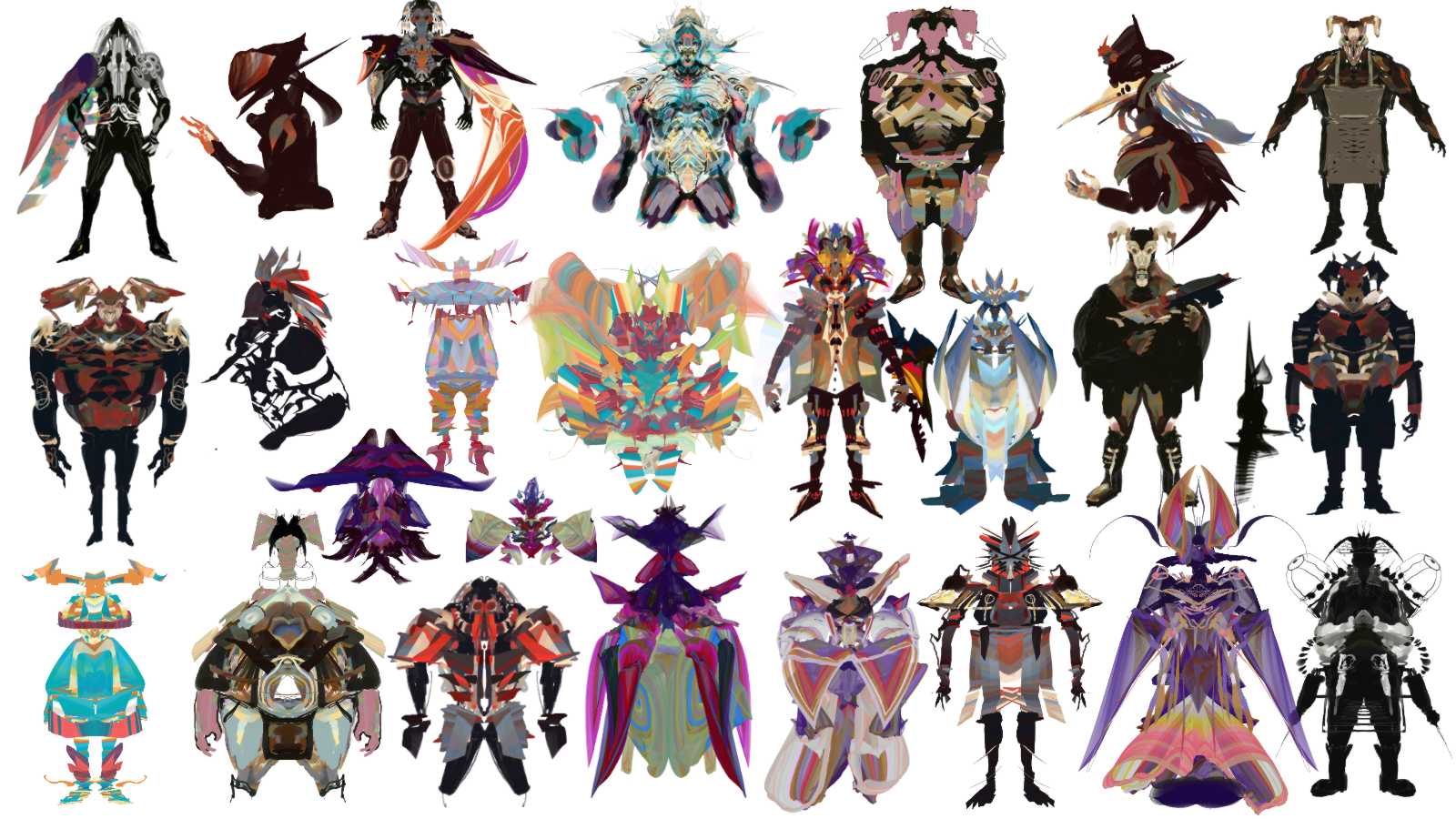
Here are some more sketches and another character made for the same challenge.
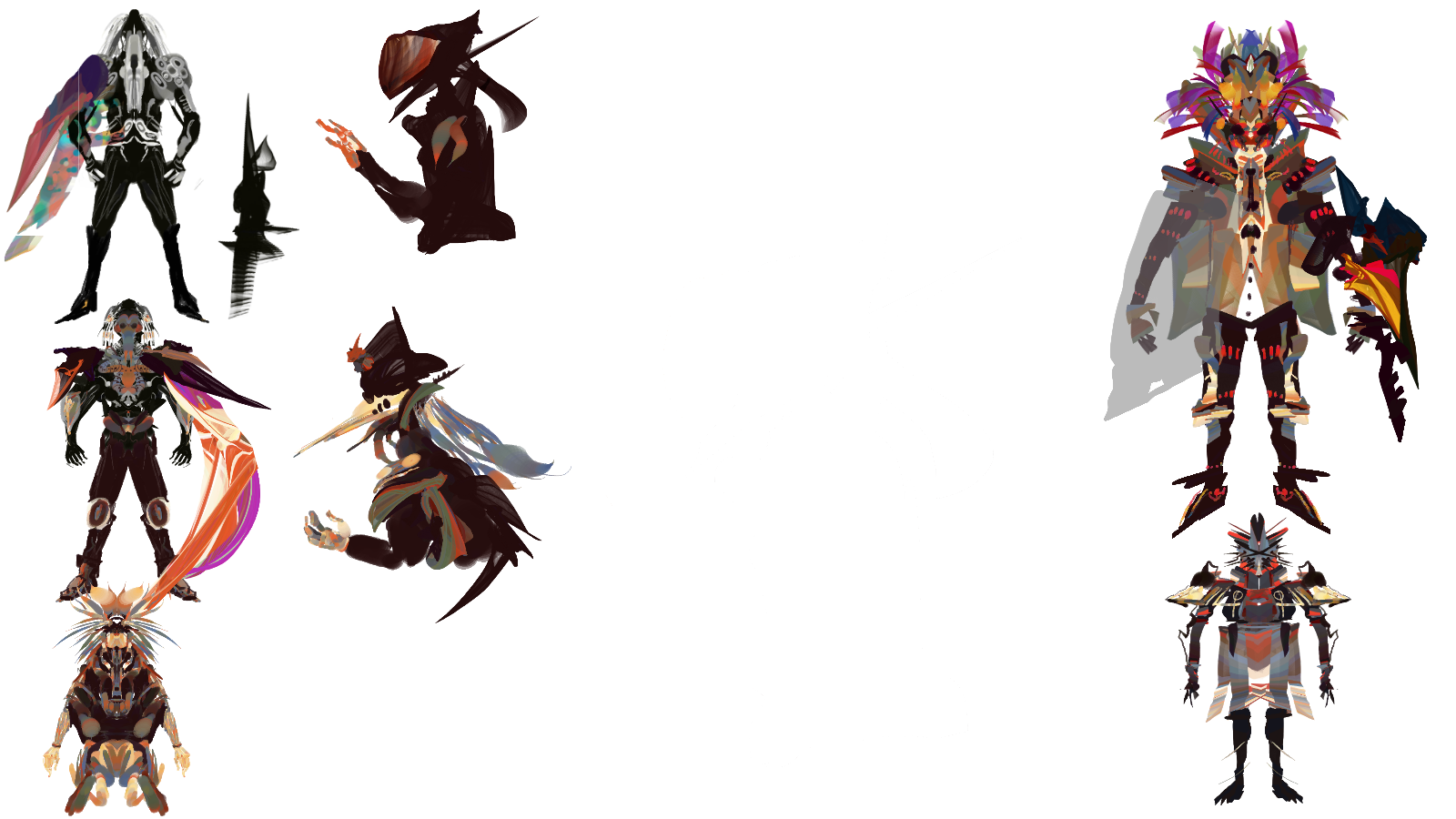
Lastly credit to Feng Zhu and this very informative video:
where I stole the mirror silhouette idea from.
So try this technique out and see what happens.
I Hope you enjoy all this and find it useful!